
Audiobird Studio
Your recording studio in the browser. With AI co-pilot.
Multitrack editing, arranging music & speech, refining via AI chat, and bouncing straight away – completely installation-free.
No subscription · No software installation required
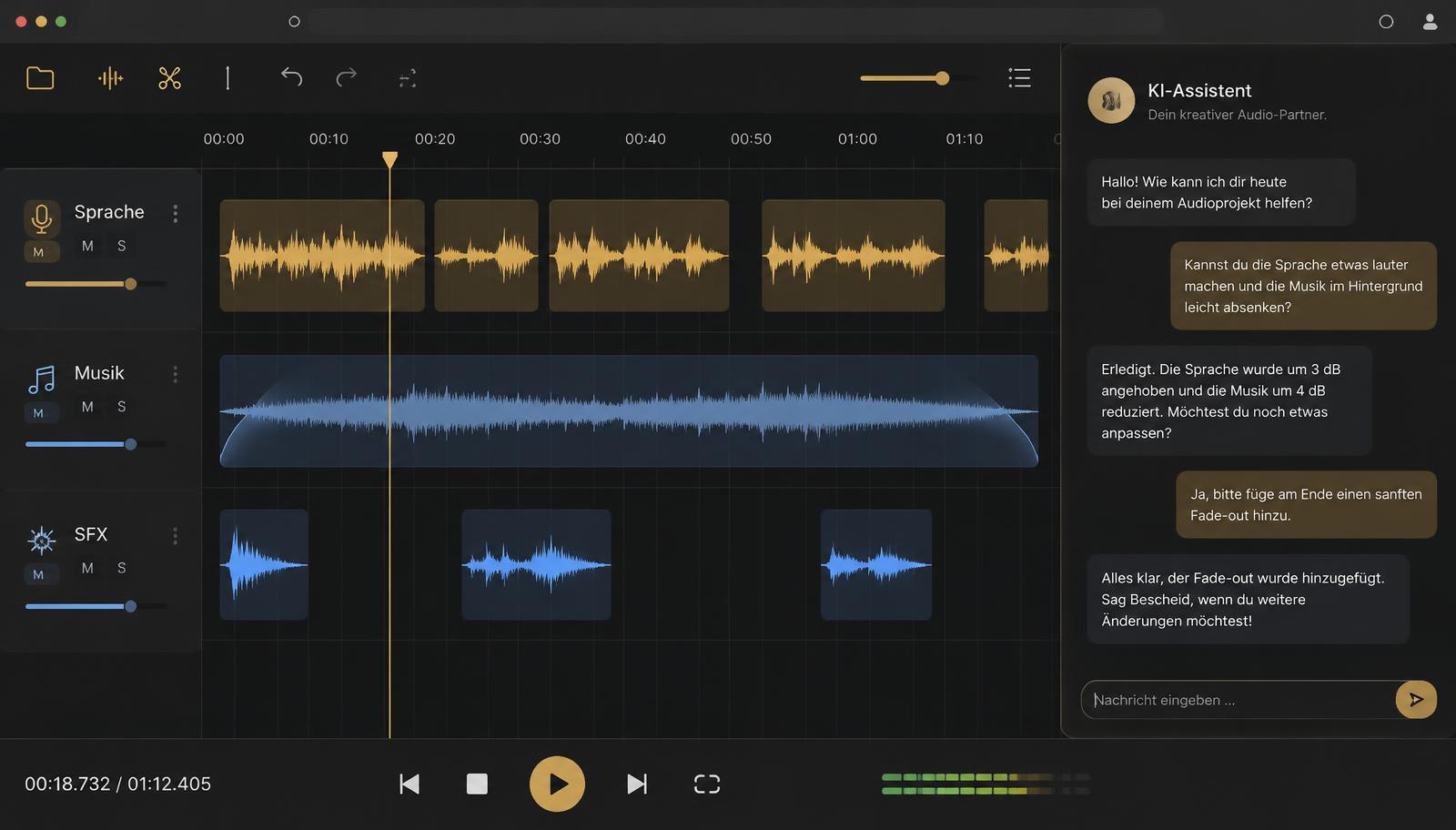
Illustrative representation
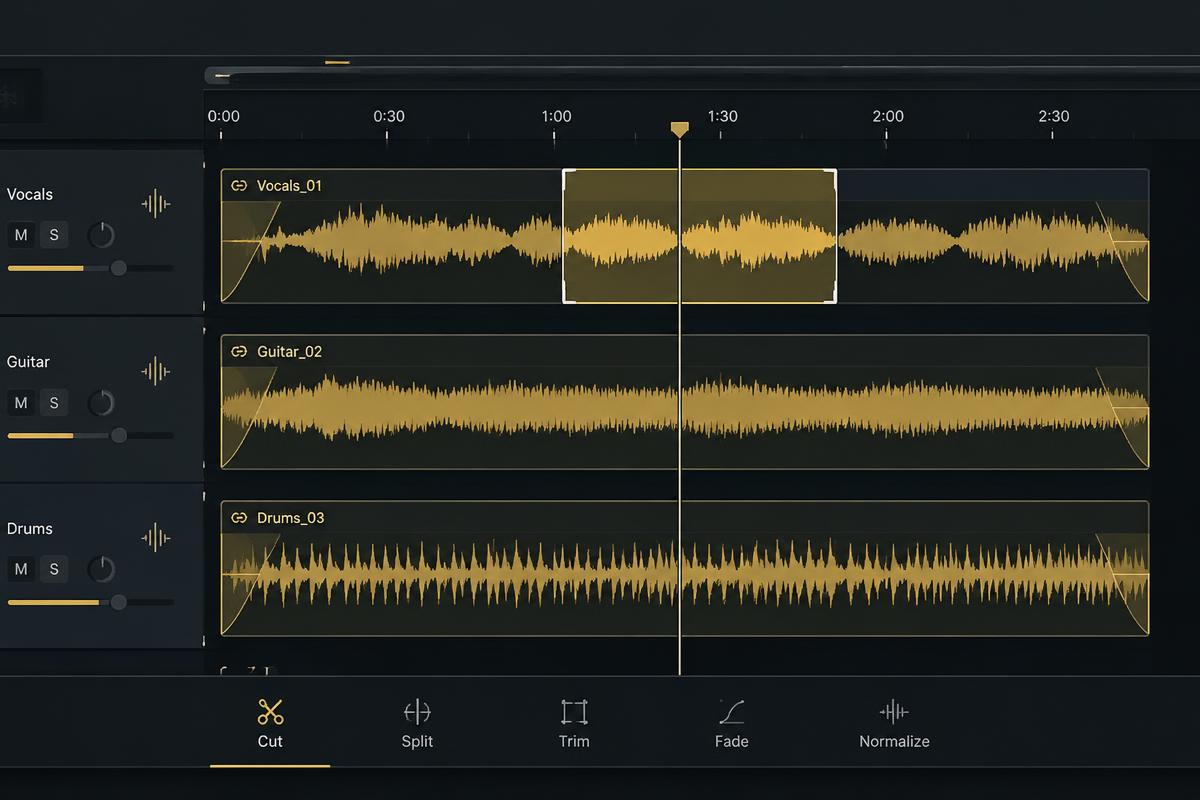
Multitrack editing & arrangement
Upload recordings or import AI audio, drag and drop onto tracks, and move them between tracks. Cut, copy, trim, and drag fades directly at clip edges. Overlaps on a track are highlighted in red – only the front clip will be audible.
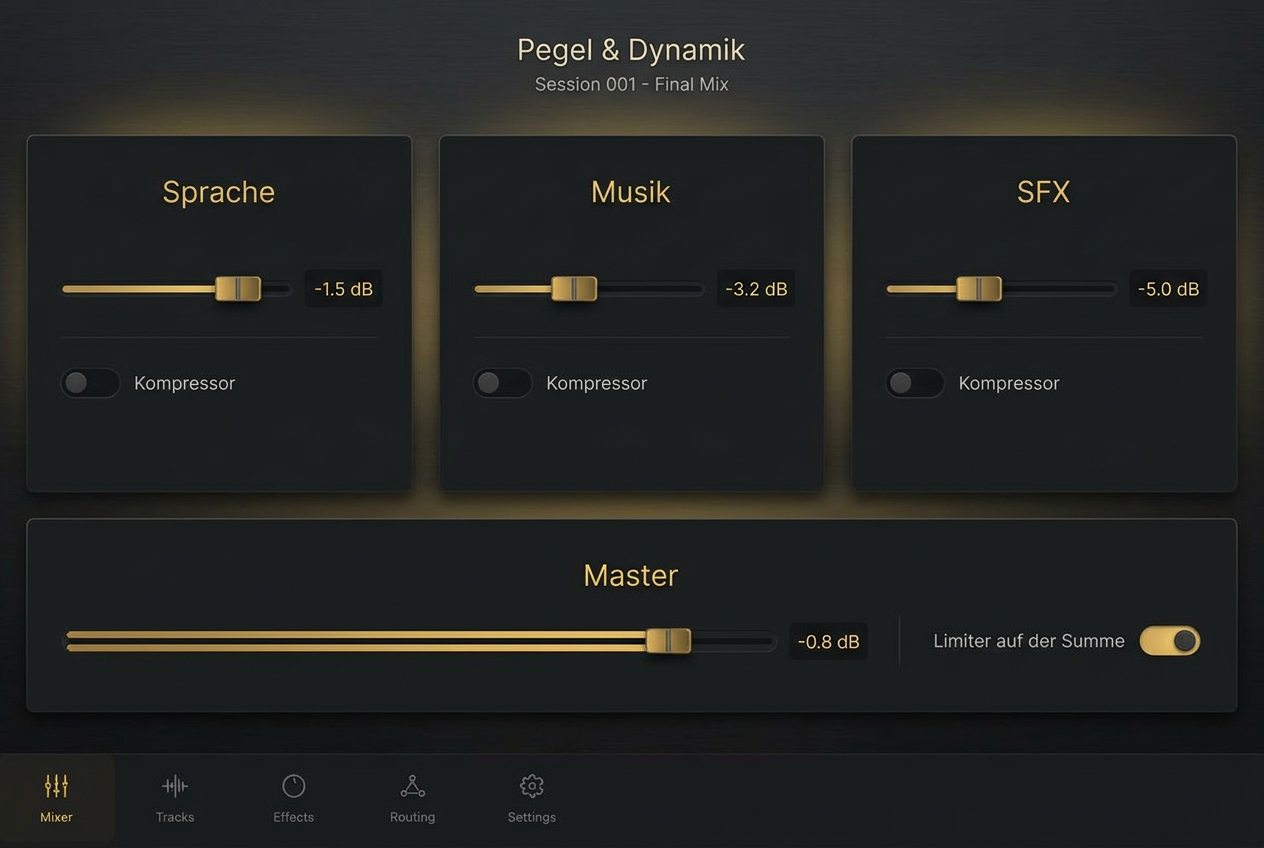
Mix, mastering & loudness
Level, mute, solo, and compressor per track – live during playback. Three mastering presets (Clear & Present, Warm & Full, Loud & Punchy) shape the sound with EQ, compression, stereo width, and limiter. Plus the target loudness: Streaming −14, Podcast −16, or TV/Radio −23 LUFS – the level is adjusted automatically to match.
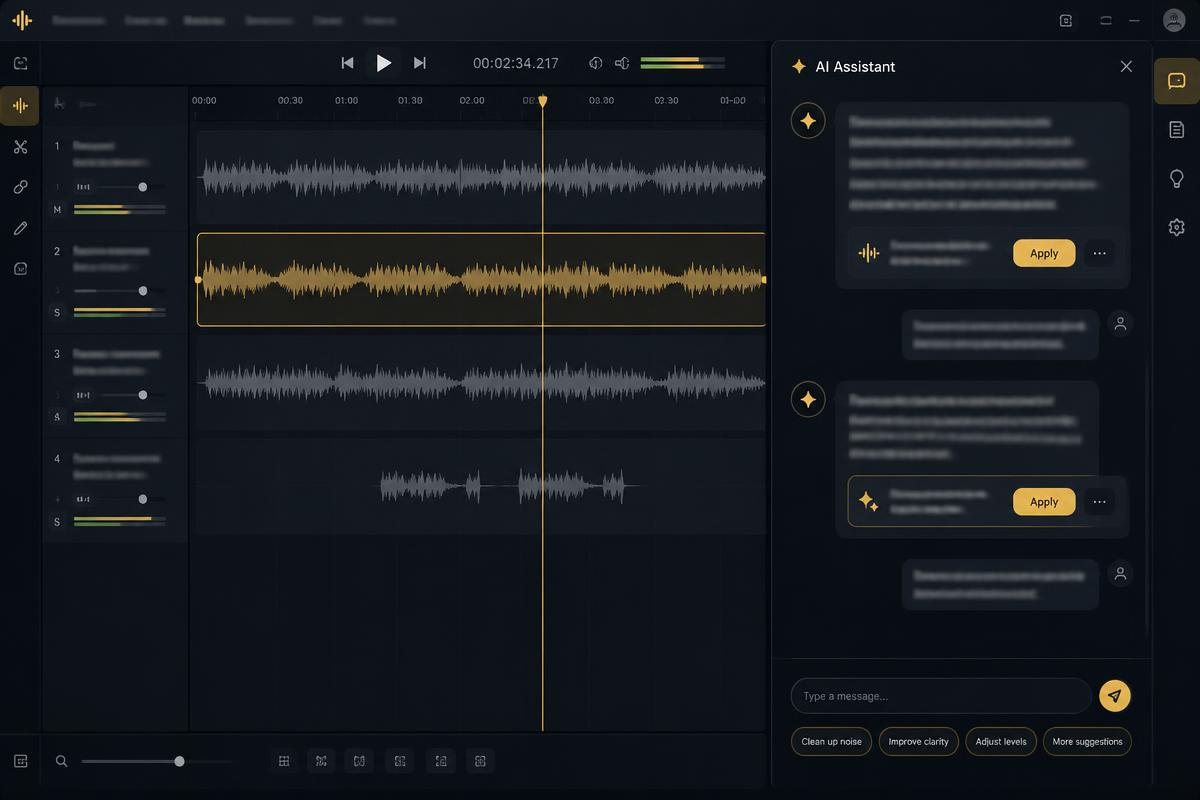
AI assistant in the project
Simply say what needs changing: trim, lower the music, add a fade. The assistant modifies the arrangement in plain sight – everything can be undone with Ctrl+Z. You can send further instructions at any time; they’ll be processed in turn.
Everything your studio can do
AI commercial in one go
Select music, optional sound effects, voice and script in the Agent – the commercial is automatically created as a project in the Studio.
All your audio in one place
Uploads, bounces, and all AI audio files with search, filter, and player – via ‘Add to track’ or drag-and-drop into the arrangement.
Live level meters
Levels per track and a master level meter below the arrangement – measured post-compressor and mastering.
Saved automatically
No save button needed: changes are saved automatically, and the last 20 steps remain undoable – even after refreshing.
LUFS check
To check, the studio measures the loudness of your mix and displays a green tick once the target is reached.
Keyboard shortcuts & undo/redo
Work fast, just like in a DAW – with keyboard shortcuts for cutting, copying, and playback.
Direkt bouncen
Den fertigen Mix als WAV oder MP3 (256 kbit/s) exportieren – bereit für Spot, Podcast oder Social.
Ohne Installation
Läuft im Browser. Projekte und Chatverlauf bleiben in deinem Konto gespeichert.
Kein Abo
Das Studio ist im kostenlosen Konto enthalten. KI-Assistent: 0,10 € je Nachricht, Bearbeitungen inklusive; neu erzeugte Stimmen, Musik und Geräusche nach Länge – bezahlt mit Credits ab 5 €. Preise netto zzgl. MwSt.